Step-by-Step Visual Guide for a Clean, Professional Display
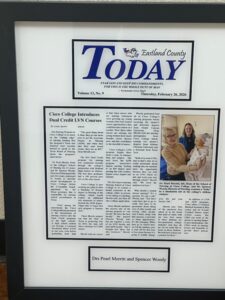
Mounting your plaque is the final step—where recognition becomes part of your space.
This guide walks through the process visually, so your display looks clean, balanced, and intentional.
For official reference, see:
https://www.thatsgreatnews.com/Hanging-Instructions
Step 1: Choose the Right Location
Before anything else, decide where your plaque will live.
Best placements:
- Behind your desk (video calls / authority backdrop)
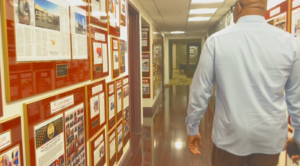
- Eye-level in a hallway
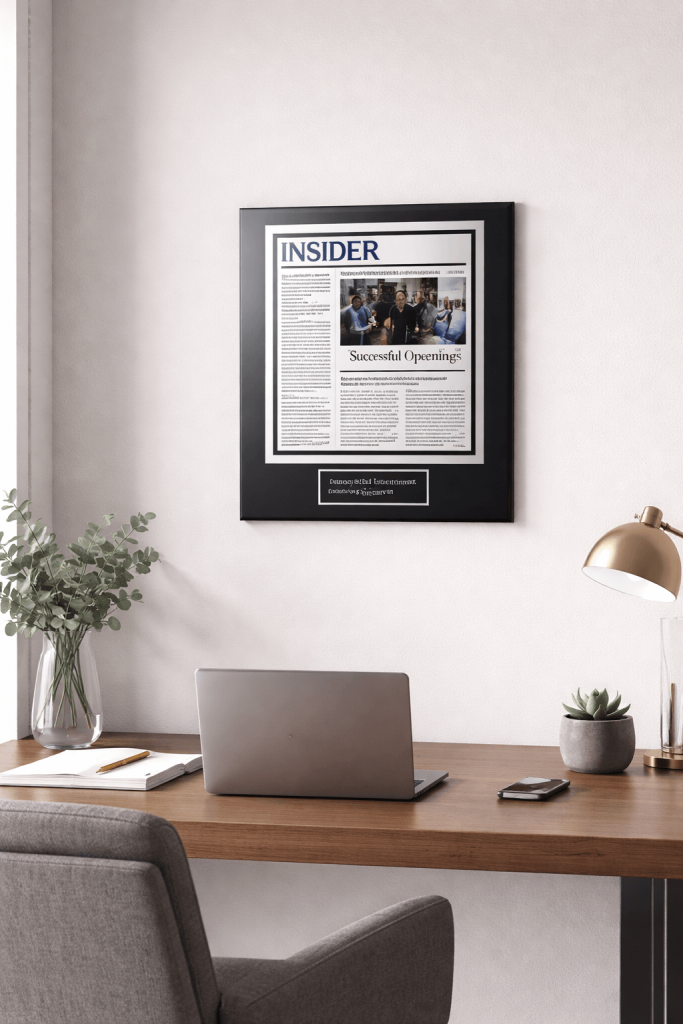
- Centered above furniture (desk, console, shelf)
Visual Diagram Idea:
A wall with three zones labeled:
- Too high
- Too low
- Eye-level (center line at ~57–60 inches from floor)
Pro Tip:
Eye-level placement creates the most natural viewing experience.
Step 2: Measure and Mark
Accurate placement starts with clean measurements.
What to do:
- Measure the height of your plaque
- Mark the center point on the wall
- Lightly pencil where the hook/screw will go
Visual Diagram Idea:
- Tape measure from floor to center line
- Pencil marking a small dot
- Plaque outline ghosted on wall
Step 3: Align for Balance
Alignment determines how “finished” the plaque looks.
Key principles:
- Center it relative to furniture or wall space
- Keep equal spacing on both sides
- Align multiple plaques evenly if creating a gallery
Visual Diagram Idea:
Two comparisons:
- Off-center plaque above desk
- Perfectly centered plaque aligned with desk width
Step 4: Install the Mounting Hardware
Use the appropriate hardware depending on your wall type.
Basic options:
- Nail or screw (standard walls)
- Wall anchors (drywall)
- Adhesive hooks (lightweight options)
Visual Diagram Idea:
Three icons:
- Hammer + nail
- Screw + anchor
- Adhesive strip
Step 5: Hang the Plaque
Carefully place the plaque onto the mounted hardware.
What to check:
- Is it secure?
- Is it sitting flat against the wall?
- Is it centered?
Visual Diagram Idea:
Hands placing plaque onto hook ? final mounted position
Step 6: Level It
This is where everything comes together.
Use:
- A level tool (or phone level app)
Adjust until perfectly straight.
Visual Diagram Idea:
- Crooked plaque with tilted line ?
- Straight plaque with centered level bubble ?
Step 7: Step Back and Finalize
Take a few steps back and observe.
Look for:
- Symmetry
- Spacing
- Visual balance with surroundings
This is the moment your plaque becomes part of the room.
Visual Diagram Idea:
Person standing back, viewing wall ? clean, finished setup
Optional Layout: Multiple Plaques (Gallery Style)
If displaying more than one plaque:
Guidelines:
- Keep equal spacing (2–3 inches between pieces)
- Align tops or centers consistently
- Use a grid or linear layout
Visual Diagram Idea:
- Grid layout (2×2 plaques)
- Horizontal row layout
- Spacing lines between frames
Final Result: A Permanent Display
Once mounted, your plaque transitions from an item into an environment.
It becomes:
- A visual anchor
- A professional signal
- A daily reminder of achievement
Explore plaque styles designed for display:
https://www.thatsgreatnews.com/Sample2
Learn more:
https://www.thatsgreatnews.com